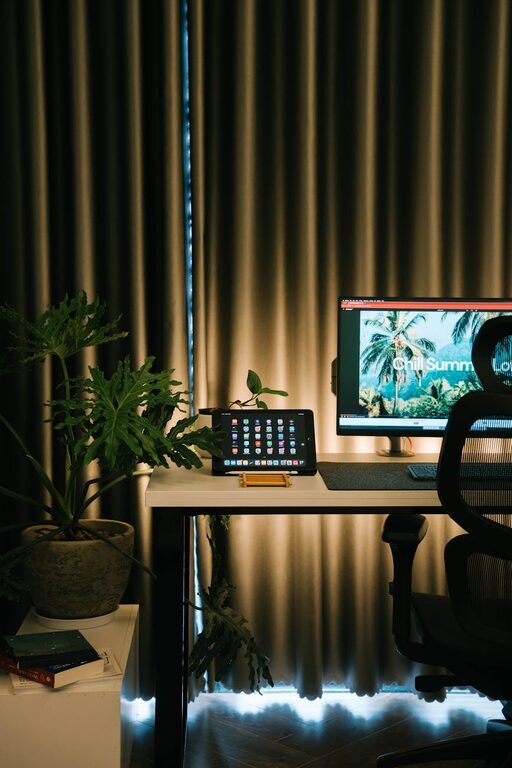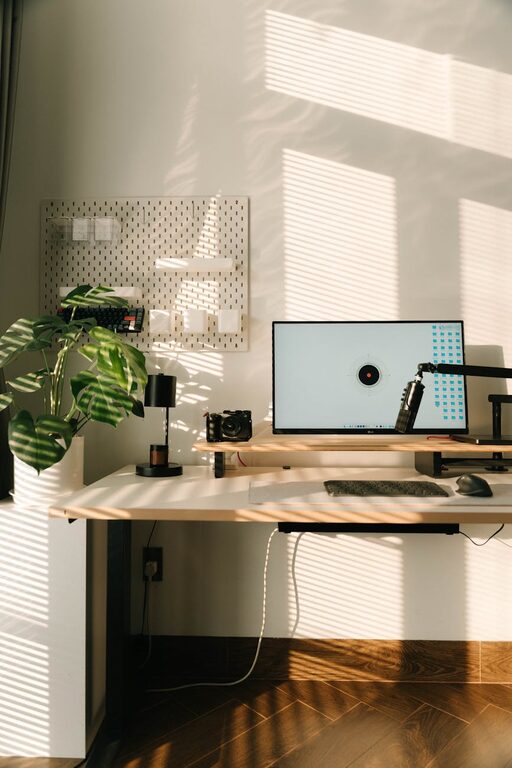
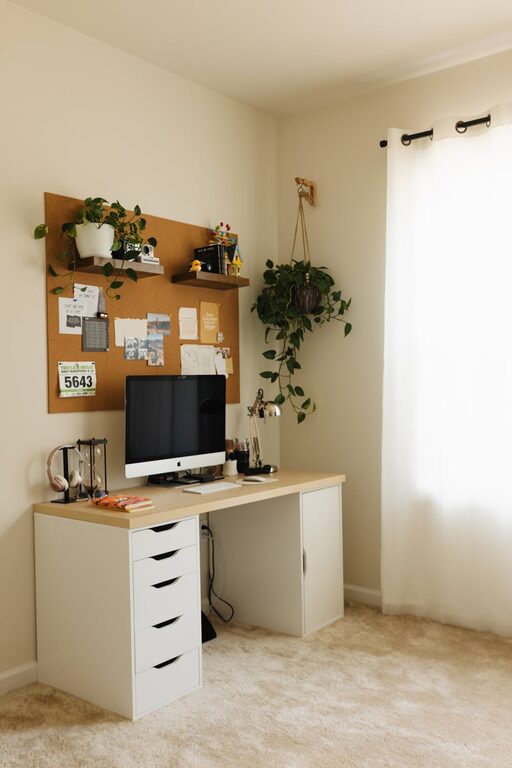
Working from home has become a common arrangement for many people, and having a dedicated, well-organised space can make all the difference. Whether you are working remotely full-time or just need a space for occasional tasks, setting up a productive home office environment is essential for maintaining focus and efficiency.
In this post, we’ll explore practical tips to help you create a workspace that supports your work habits, keeps distractions to a minimum, and promotes good wellbeing.
Choose the Right Location
Find a Quiet Spot
Selecting a quiet area away from household traffic and noise is key. Look for a room or corner where you can concentrate without frequent interruptions. If you don’t have a separate room, consider using room dividers or screens to visually separate your workspace.
Natural Light Matters
A space with plenty of natural light can improve mood and reduce eye strain. Set up your desk near a window if possible, but take care to avoid glare on your screen. If natural light is limited, invest in good quality desk lamps with adjustable brightness.
Furniture and Ergonomics
Invest in a Comfortable Chair
Your chair is one of the most important items in your home office. Choose a chair with adequate lumbar support and adjustable height to align with your desk and allow your feet to rest flat on the floor.
Desk at the Right Height
Ensure your desk height suits your working style. A desk that is too high or low can cause strain on your neck, shoulders, and wrists. You might consider adjustable desks that can switch between sitting and standing positions.
Organise Your Desk Layout
Keep frequently used items within easy reach to reduce distractions and improve efficiency. Use trays, pen holders, and cable organisers to maintain a neat surface.
Minimise Distractions
Digital Discipline
Turn off non-essential notifications on your computer and phone during work hours. Consider using apps that block distracting websites temporarily.
Background Noise Solutions
If you work in a noisy environment, try noise-cancelling headphones or play soft instrumental music to help maintain focus.
Set Boundaries
Communicate clearly with family members or housemates about your working hours and workspace boundaries to reduce interruptions.
Enhance Organisation
Use Storage Solutions
Shelves, filing cabinets, and drawers help keep your office clutter-free. Label storage to find documents and supplies quickly.
Plan Your Day
Keep a planner or digital calendar nearby to organise tasks and deadlines. Time blocking can help manage workflow effectively.
Cable Management
Use clips, sleeves or ties to manage cables and keep them out of the way. A tidy desk reduces distractions and potential hazards.
Pay Attention to Wellbeing
Take Regular Breaks
Stand up and stretch every hour to prevent stiffness. Short breaks increase productivity and reduce fatigue.
Personalise Your Space
Adding plants, artwork or photos can make your workspace feel welcoming and reduce stress.
Maintain Good Air Quality
Ensure your workspace is well ventilated. Consider using a small air purifier if the air quality is poor.
Utilise Technology Wisely
Reliable Internet Connection
A fast, stable internet connection is vital for remote work. If possible, use a wired connection for better reliability.
Quality Equipment
Invest in a good monitor, keyboard and mouse. Ergonomic peripherals reduce strain during long work periods.
Backup and Security
Regularly back up your work and keep antivirus software updated to protect your files and privacy.
Final Thoughts
Creating a productive home office environment doesn’t require an expensive makeover. With thoughtful choices around location, ergonomics, organisation, and wellbeing, you can build a workspace that helps you stay focused and comfortable. Remember to tailor your space to your own needs, and don’t be afraid to make adjustments as you find what works best for you. A well-designed home office can truly enhance your work-from-home experience.