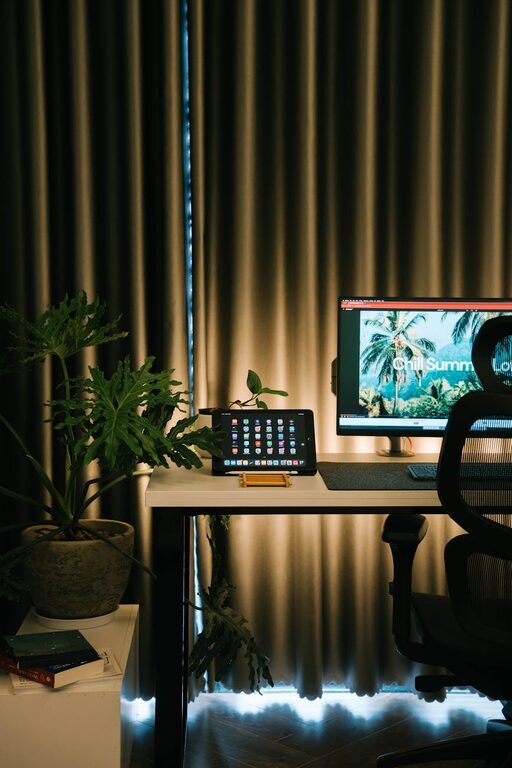
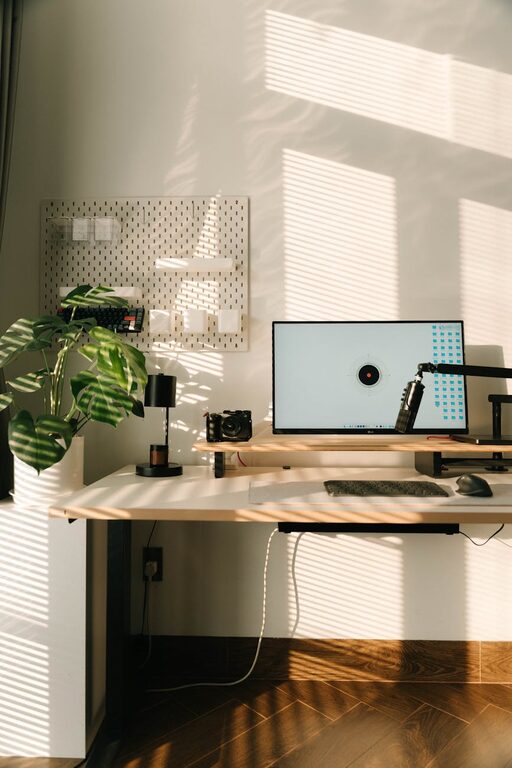
Working from home has become a norm for many, making it essential to create a home office space that supports focus, creativity, and comfort. Whether you have a dedicated room or just a small corner, your workspace can greatly impact your workday. Here are some practical tips to help you design a home office that balances comfort and productivity.
Choose the Right Location
Finding the best spot for your home office is key. Ideally, select a quiet area away from distractions like the television or heavy foot traffic. Natural light is a bonus — a space near a window can improve your mood and energy levels throughout the day.
If space is limited, a well-organised nook or a part of another room can still work well with the right setup.
Invest in a Comfortable Chair and Desk
Spending long hours sitting requires a chair that supports good posture to avoid back and neck pain. Choose an ergonomic chair with adjustable height, good lumbar support, and comfortable cushioning.
The desk should be at a height that allows your arms to rest comfortably while typing or writing. Consider desks with adjustable heights if you want the option to stand while working.
Prioritise Good Lighting
Lighting affects both health and productivity. If natural light isn’t sufficient, add adjustable desk lamps or overhead lights that reduce glare and shadows. Soft white LED bulbs are kinder on your eyes compared to harsh fluorescent lighting.
Position your screen or monitor to minimise reflections from windows or lamps.
Keep Your Space Organised
Clutter can disrupt focus and slow you down. Use storage solutions like shelves, filing cabinets, or desk organisers to keep essential items neatly arranged.
Try to maintain a minimalist desktop — only keep daily-use items within reach and store away less frequently used materials. Regularly tidy your workspace to keep it inviting.
Personalise Your Workspace
Adding personal touches can make your office feel more inviting and boost your mood. Photos, plants, artwork, or decorative items add character without overcrowding the space.
Plants not only brighten the room but also improve air quality and reduce stress, enhancing your overall well-being.
Use Technology Wisely
Equip your home office with technology that supports your work. A reliable internet connection, quality headset for calls, and an efficient printer or scanner can make your daily tasks smoother.
Keep cables organised with clips or trays to avoid creating a tangled mess that can hamper your workspace’s neatness.
Set Boundaries and Routine
Physical comfort is important, but so is your routine. Create clear start and finish times for your workday and try to stick to them. Setting boundaries helps maintain a healthy work-life balance.
If you share your living space, communicate your working hours to household members to reduce interruptions.
Consider Acoustics and Noise Control
Background noise can impact concentration. Use rugs, curtains, or acoustic panels to absorb sound if your space echoes or is near a busy street.
Noise-cancelling headphones can also help you stay focussed in noisy environments.
Ergonomics Beyond the Chair and Desk
Pay attention to peripheral ergonomics too. Position your monitor at eye level about 50-70cm away to reduce eye strain. Use a keyboard and mouse that are comfortable to prevent wrist pain.
Taking short, frequent breaks to stretch or walk around also helps prevent fatigue.
Keep Refreshments Handy
Staying hydrated and nourished helps maintain energy. Keep a water bottle nearby and have easy access to snacks to avoid unnecessary breaks that disrupt your workflow.
Final Thoughts
Creating a home office that combines comfort and productivity doesn’t necessarily require a large budget or space. By paying attention to location, ergonomics, light, organisation, and personal touches, you can build a workspace that supports your best work each day. Remember, a well-designed office is not just about appearance but also about making your work life easier and more enjoyable.